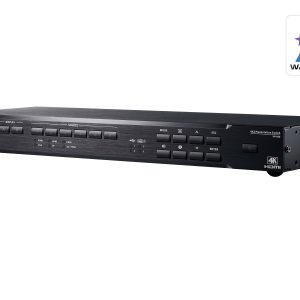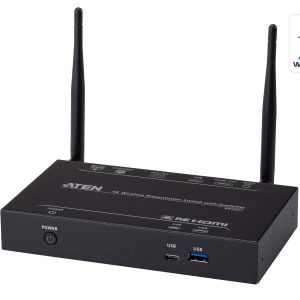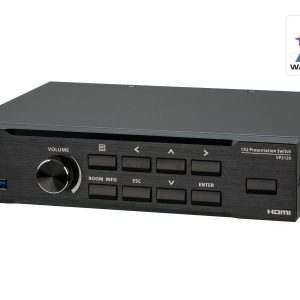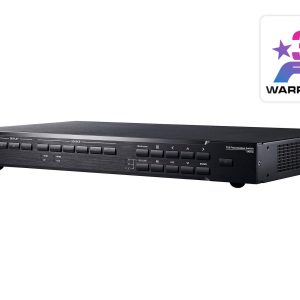
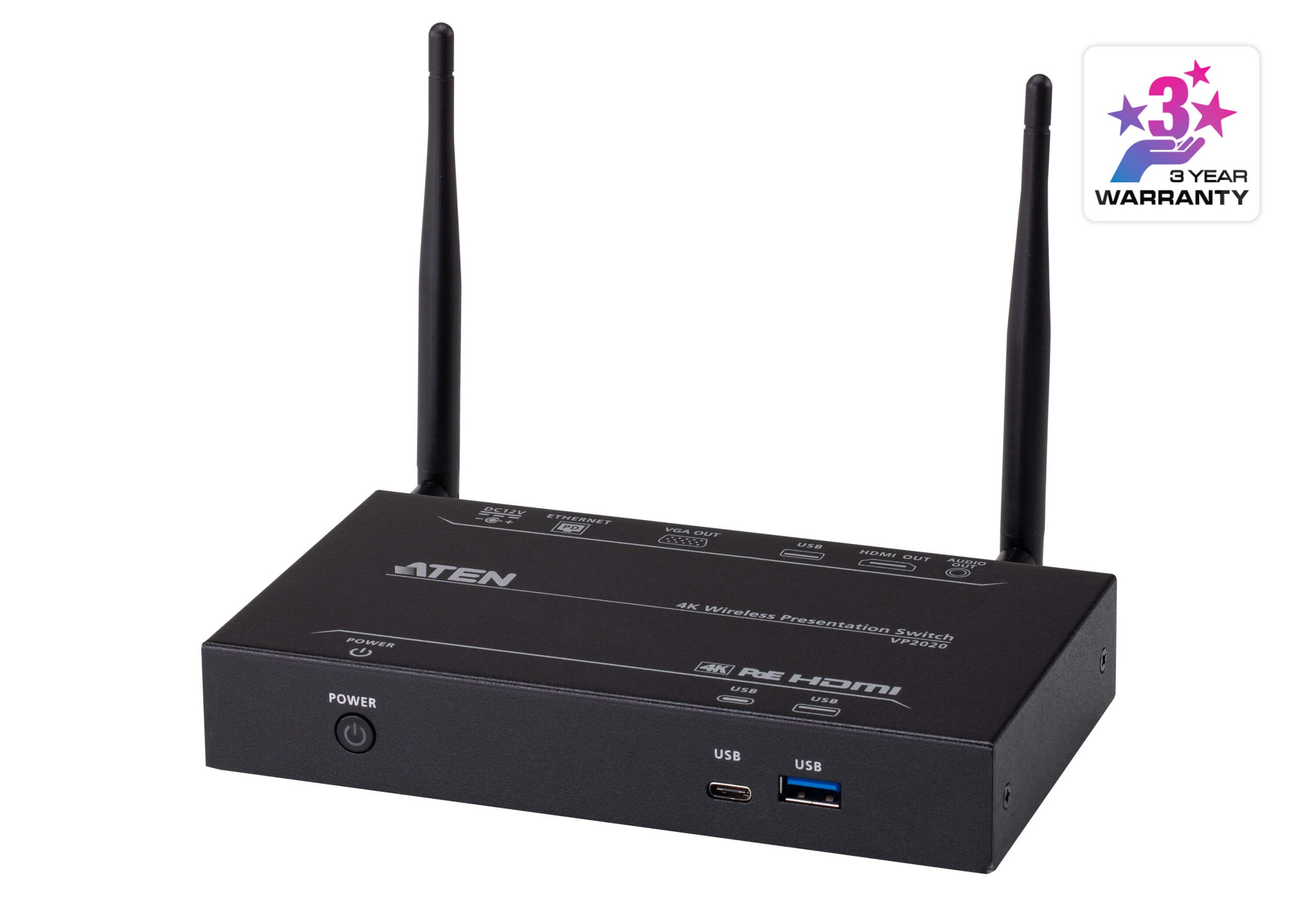




ATEN VP2020
4K Wireless Presentation Switch
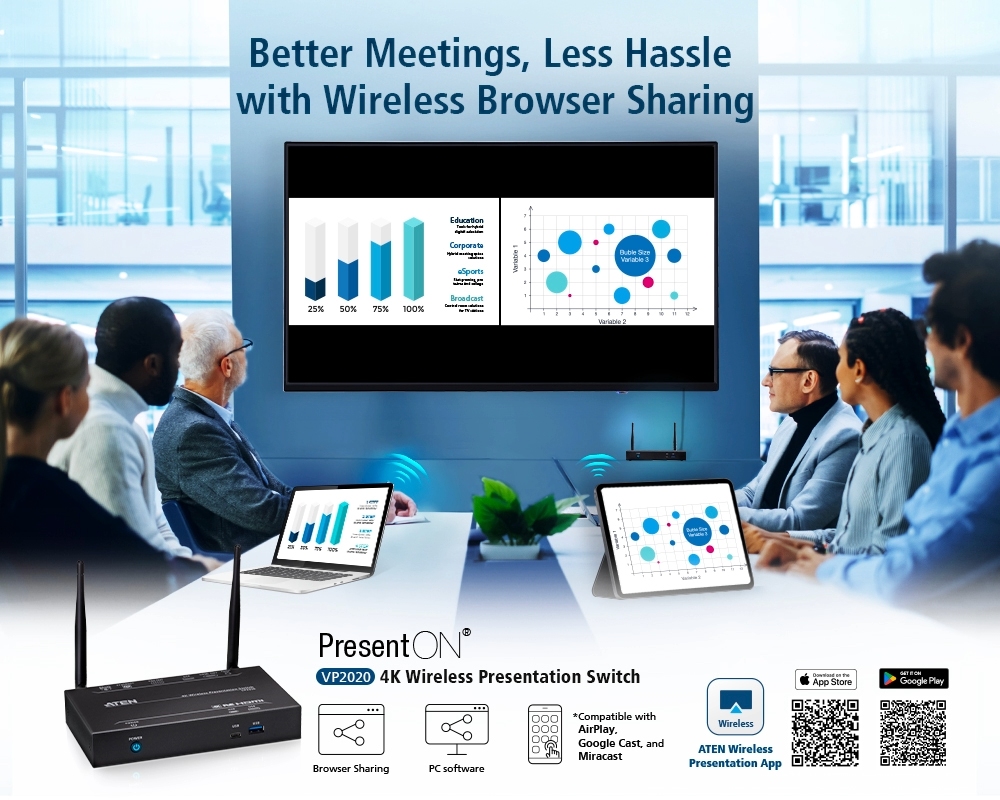
ATEN PresentON® VP2020 is a wireless BYOD solution that enables anyone, including visitors, to easily share content from any laptop or mobile device so that participants can actively collaborate for enhanced, efficient workflows.
The VP2020 features Multi-view and audio out, which are designed to increase content-sharing flexibility. Moreover, it is equipped with USB touch back and moderation mode functions, allowing presenters to easily control meetings. In addition, its PoE connectivity makes installation easy. It’s perfectly suited for both huddle spaces and large meeting spaces and is flexible enough for corporate or education use.
* The information contained is the property of ATEN International Co. LTD or their respective owners. All rights reserved. AirPlay® is a trademark of Apple Inc., registered in the U.S. and other countries and regions. Miracast® is a trademark of WiFi Alliance, registered in the U.S. and other countries and regions. Google Cast™ is a trademark of Google LLC. Any other brand names or marks are used for compatibility description only and are trademarks or registered trademarks of their respective owners.


Start Multi-party Collaboration Instantly
Simultaneous display of different presentations from different sources enables teams to rapidly engage in discussions, brainstorm ideas, and increase creativity and collaboration.

BYOD Wireless Sharing without Limitations
Wirelessly share BYOD presentation content with ATEN software on PC, mobile apps, and web browsers; compatible with Airplay* and Google Cast* for unlimited sharing and collaboration.

Get Control on Your Side with USB Touch Back
USB Touch Back can control remote laptops with a mouse or touchscreen, allowing the speaker to take the lead in meetings and be more efficient without having to move about just to access devices.

Manage Shared Content with Moderation Mode
By enabling Moderation Mode in the ATEN Wireless Presentation App, presenters can easily control shared content, including muting participants, stopping all sharing, and disconnecting participants when needed.

Flexible & Clear: Audio Your Way
With 3.5 mm audio output to increase the flexibility of use, not only is meeting audio crystal clear, but also it can be integrated with the audio system to enhance the audio-visual experience.

Faster, Easier Setup means Less Hassel
With PoE, only one network cable is needed for power and information transmission, eliminating complicated wiring and offering flexibility in space deployment and speedy installation.

Applications
- BYOD-oriented workplaces for quick discussion, brainstorming, and rapid sharing of presentations
- Work environments with a high prevalence of teamwork and cross-functional departmental collaboration
- Group discussions with a need to share presentations at the same time, such as problem-based learning (PBL) environments
- Academic research environments with a need to present different sources of information at the same time

Product Comparison
| Option | 4K Wireless Presentation Switch with Quad View | 4K Wireless Presentation Switch |
|---|---|---|
| Output Port | 2 | 2 |
| Audio | 3.5mm TRS | 3.5mm TRS |
| Output Interface | HDMI VGA | HDMI VGA |
| Interface | HDMI VGA | HDMI VGA |
| Control | Ethernet | Ethernet |
| Wireless | ||
| USB Touch Panel | ||
| USB Peripheral | ||
| Ethernet | ||
| PoE | ||
| Audio De-Embedder | ||
| Multiview | ||
| Whiteboard | N/A | |
| Moderator Mode | ||
| USB Touch Back | ||
| Remote View | N/A | |
| Max. Resolution | 3840 x 2160 @ 30Hz | 3840 x 2160 @ 30Hz |
| Max. Number of Sources | 4 | 2 |
| Multi-View | Quad View | Side by Side |
| Connectivity Methods | ATEN Wireless Presentation Switch App Web Browsers AirPlay™ Google Cast® | ATEN Wireless Presentation Switch App Web Browsers AirPlay™ Google Cast® |
| Number of Simultaneous Connections | Up to 20 | Up to 8 |

| Video Output | |
| Interfaces | 1 x HDMI Type A female (Black) 1 x VGA (HDB-15) Female |
| Max. Distance | HDMI: Up to 5m VGA: Up to 15m |
| Video | |
| Max. Resolution | HDMI: Up to 4K@30Hz VGA: Up to 1080p |
| Audio | |
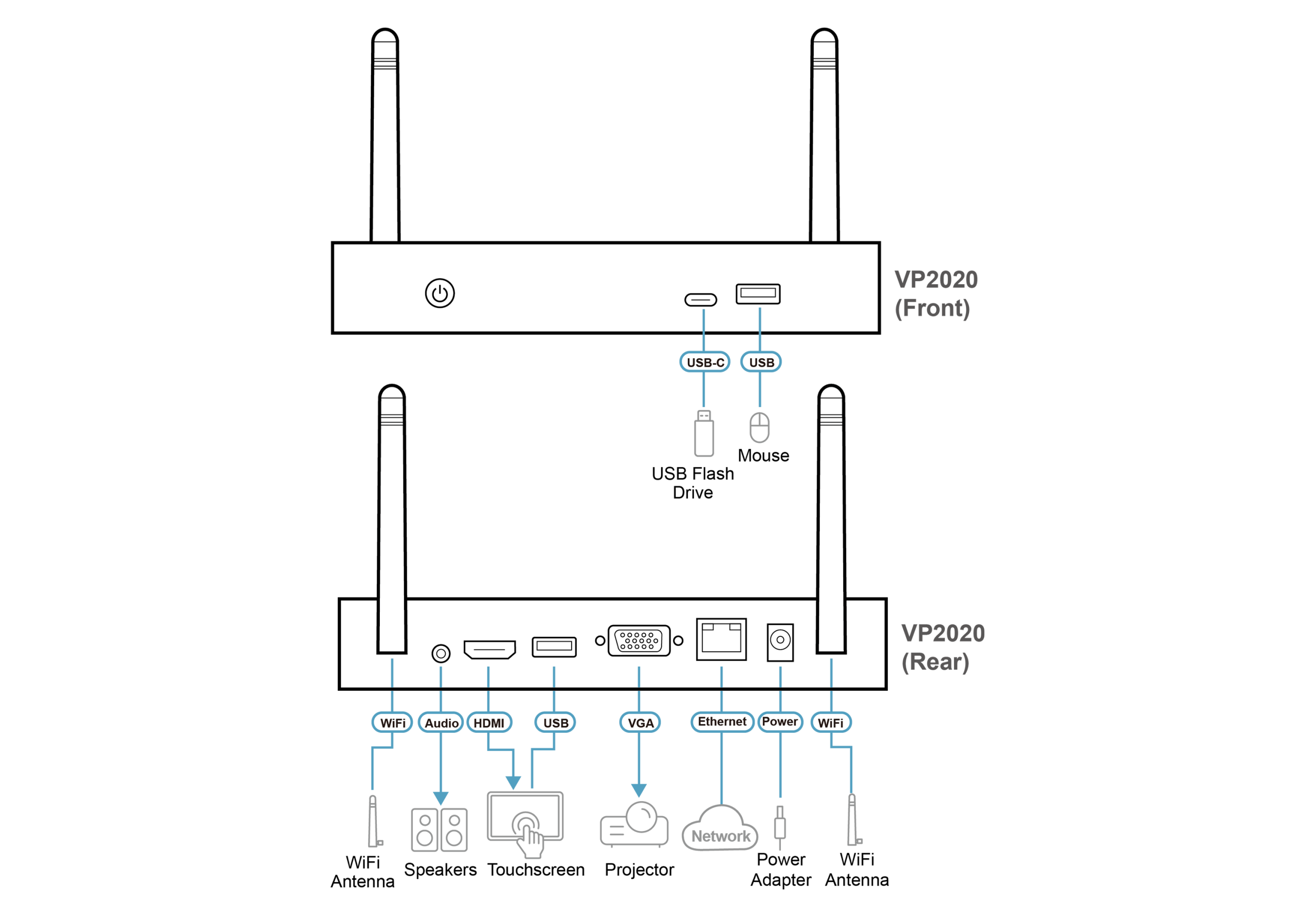
| Output | Stereo Audio: 1 x mini stereo Jack female (Black) |
| Network Transfer Speed | 10/100/1000 Mbps RJ 45 LAN ( Support PoE) |
| Wireless | |
| Authentication Protocol | AP mode: WPA2-PSK Station mode: WEP, WPA, WPA2, 802.1x EAP |
| Wireless Transmission Protocol | IEEE 802.11ac |
| Frequency Band | Switchable dual band 2.4GHz and 5GHz (DFS channels not supported) |
| Reach | 20m Transmission in 5GHz 30m Transmission in 2.4GHz |
| Connectors | |
| Console Ports | USB 3.0: 1 x USB Type A Female (Blue) USB 2.0: 1 x USB Type A Female USB-C: 1 x USB Type C Female |
| Power | 1 x DC Jack (Black) |
| Switches | |
| Power | 1 x Pushbutton (LED: Blue) |
| Control | |
| Ethernet | 1 x RJ-45 Female (Silver) |
| Power Consumption | DC12V:12WBTU/h Note: |
| Environmental | |
| Operating Temperature | 0-40°C |
| Storage Temperature | -20 – 60°C |
| Humidity | 0 – 80% RH, Non-Condensing |
| Physical Properties | |
| Housing | Metal |
| Weight | 0.47 kg ( 1.04 lb ) |
| Dimensions (L x W x H) | 17.00 x 10.40 x 2.83 cm (6.69 x 4.09 x 1.11 in.) |
| Carton Lot | 5 pc |
| Note | For some of rack mount products, please note that the standard physical dimensions of WxDxH are expressed using a LxWxH format. |
| Input Resolutions | 640 x 480 @ 60/67/72/75 Hz | 1600 x 1200 @ 60 Hz |
| 800 x 600 @ 56/60/72/75 Hz | 1680 x 1050 @ 60 Hz | |
| 1024 x 768 @ 60/70/75 Hz | 1920 x 1080 @ 50/60 Hz | |
| 1280 x 720 @ 50/60 Hz | 1920 x 1200 @ 60 Hz | |
| 1280 x 800 @ 60 Hz | 3840 x 2160p @ 30 Hz (RGB) | |
| 1280 x 1024 @ 60/75 Hz | ||
| 1440 x 900 @ 60 Hz |
Datasheet
VP2020-VP2021-Presentation-Switch-datasheet-en.pdf (955.51 KB)
User Manual
| File Name | Release Date |
| vp2020-vp2021-user-manual-w.pdf (3.58 MB) | 2024-02-05 |